Markdown Images
You can add an image by adding an exclamation mark !, followed by alt text in brackets, and the URL to the image asset in parentheses.
You can add a title in quotation marks after the URL and it's optional.
Syntax:

The following example show how to add alternative text to image if unable loaded image:
Example

The following example show how to add title to image:
Example

Creating Link to Images
You can add a link to an image, enclose the Markdown for the image in brackets, and then add the link in parentheses.
Syntax:
[](URL)
Example
[](flowers.jpg)
Setting Image Width/Height
There is no Markdown syntax for images doesn’t allow you to specify the width and height of images.
If you need to add width and height of a image and your Markdown processor supports HTML, you can use the HTML tag with the width and height attributes to set the dimensions of an image in pixels.
This is how image will displayed:

Example
<img src="flowers.jpg" width="100" height="100">
Adding Caption to Images
There is no caption support image in Markdown, but there are two possible workarounds. If your Markdown application supports HTML, you can use the <figure> and <figcaption> HTML tags to add a caption for your image.
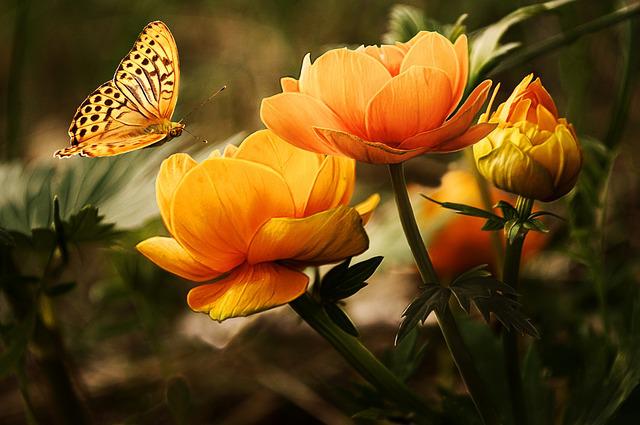
Flowers
Example
<figure>
  <img src="/editor/flowers.jpg" alt="flowers">
  <figcaption>Flowers</figcaption>
</figure>
Conclusion
| Markdown | HTML | Output |
|---|---|---|
|  | <img alt="Flowers" src="flowers.jpg"> | |
|  | <img alt="Flowers" src="flowers.jpg" title="This is title hover image to see this text."> | |
| [](flowers.jpg) | <a href="flowers.jpg" ><img alt="Flowers" src="flowers.jpg" title="This is title hover image to see this text."></a> | |